
Zing Music Integration
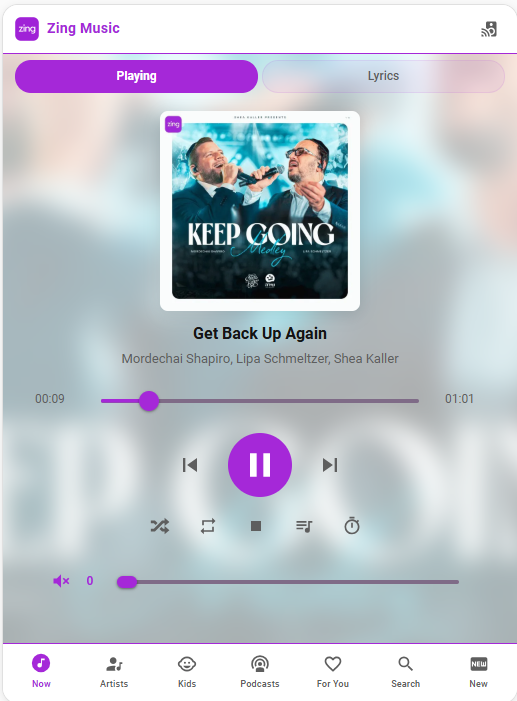
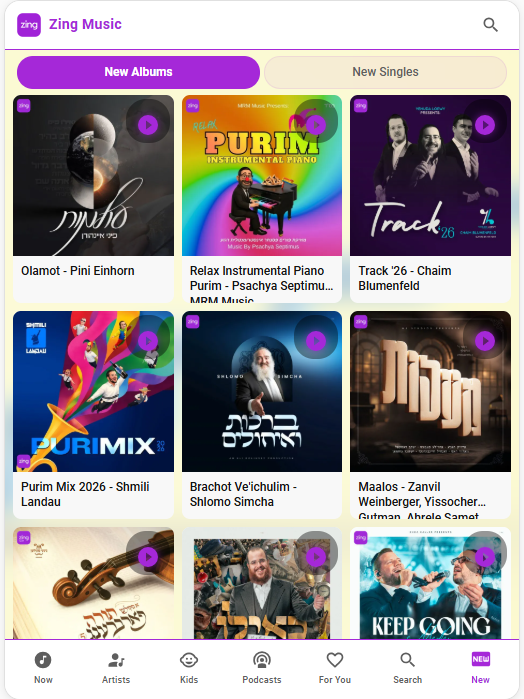
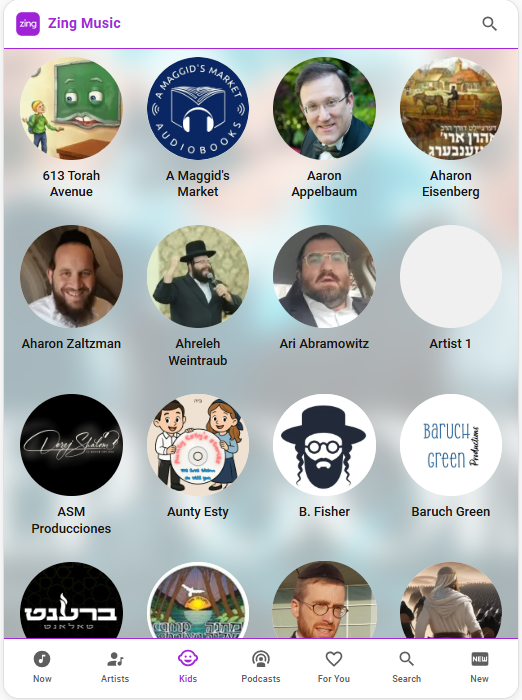
Enjoy Zing Kosher Music directly inside Home Assistant. Control music from your dashboard and keep everything in one place.
• Your Integration License Key
• Step-by-step instructions on how to install the Integration and frontend card
Delivery is typically within 36 hours after checkout.
What You Can Do:
- Stream your entire Zing Music directly through Home Assistant
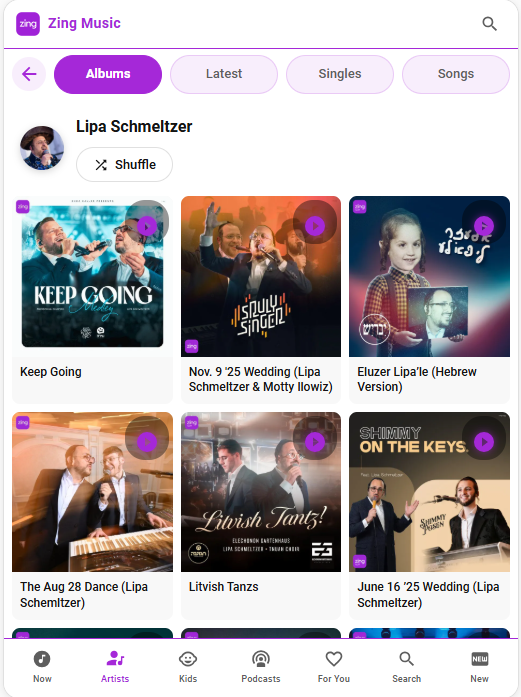
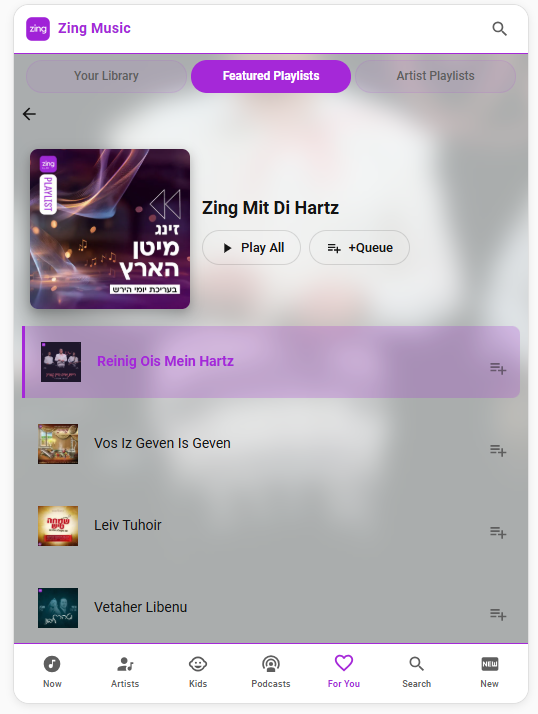
- Browse playlists, artists, albums, and songs
- Search for music across the entire Zing catalog
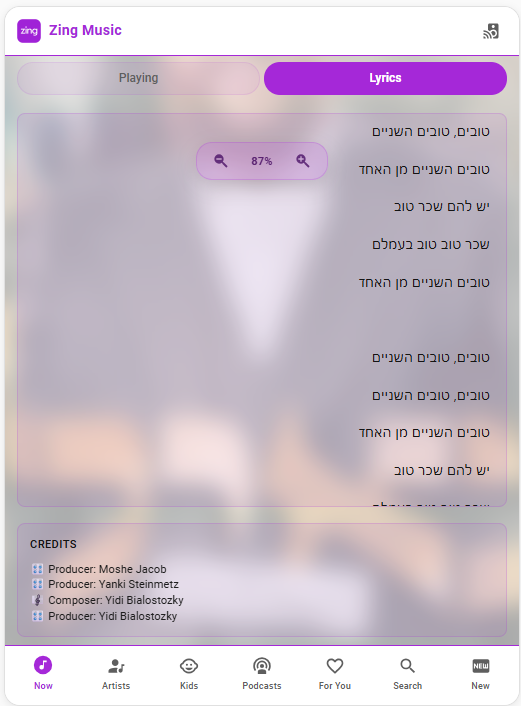
- View lyrics in English and Hebrew
- Control playback from any device in your home
If you did not receive the email, please contact us:
✉️ integrations@onoffautomations.com
Integration Preview
Tested Devices
This integration has been tested and works with:
- ChromeCast
- Sonos - Currently experiencing some issues. Will be updated and fully functional by the initial release
- Wiim
- Russound MPX - You must disable idle mode in the APM or PRE streamer and bring it into Home Assistant via ChromeCast
Note: Russound MCA is not supported and requires a streamer to work.
Bug Reports & Updates
This integration is provided as-is. If you encounter bugs or issues, you can report them and we'll prioritize updates based on the number of reports received.
If your speaker isn't listed or doesn't work, please include the make and model in your report.
Email: integrations@onoffautomations.com
Subject: Zing Music Integration
Make sure to include your name and callback number.